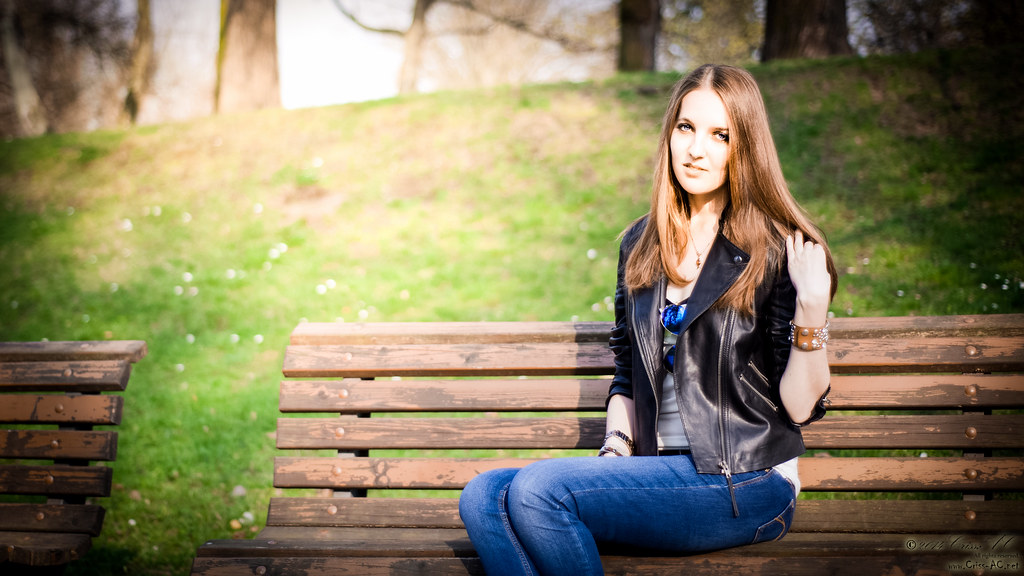
Karina

Copyright © 2014 Criss-AC.net. All rights reserved.

Karina

Copyright © 2014 Criss-AC.net. All rights reserved.

Karina

Copyright © 2014 Criss-AC.net. All rights reserved.

Is it her?

Copyright © 2013 Criss-AC.net. All rights reserved.

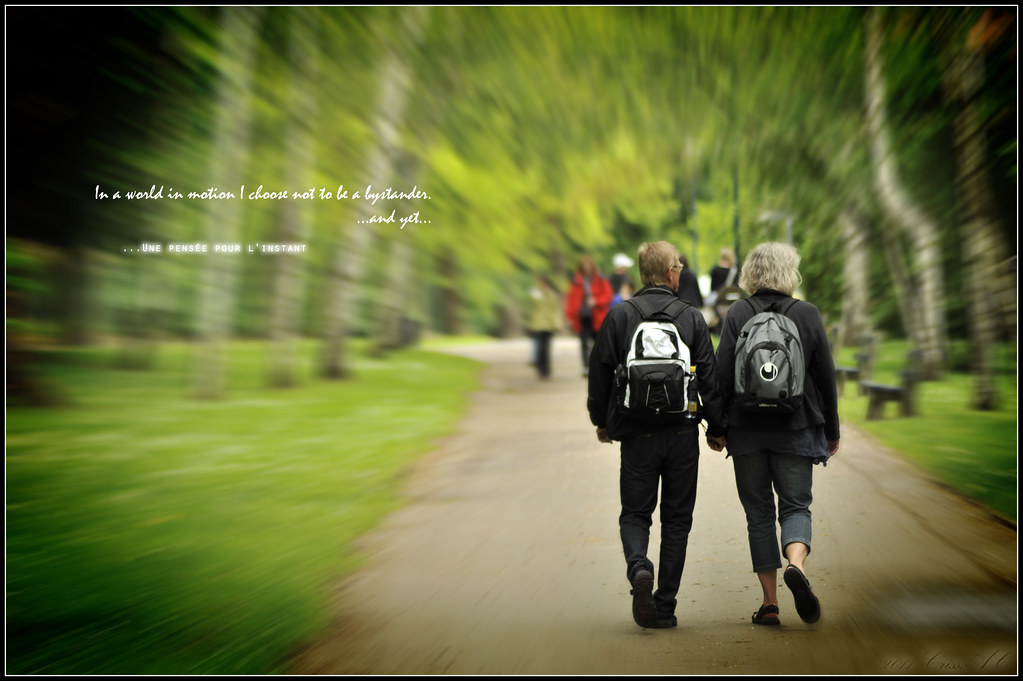
In a world in motion [...]

Copyright © 2012 Criss-AC.net. All rights reserved.

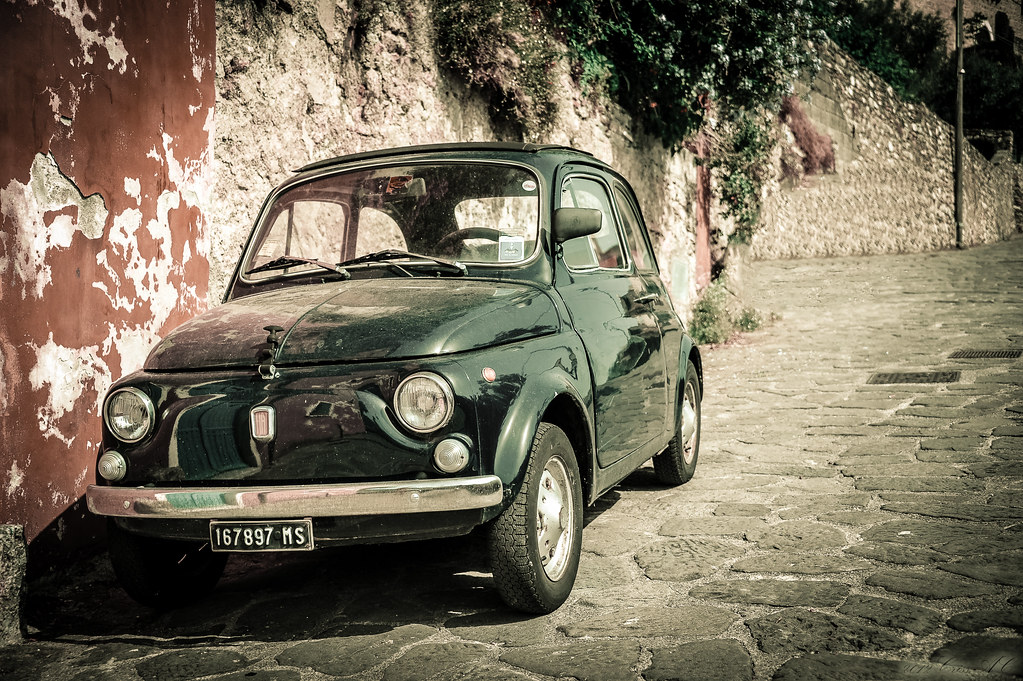
Old Italian Fiat

Copyright © 2012 Criss-AC.net. All rights reserved.

Sunset in Marina di Carrara

Copyright © 2011 Criss-AC.net. All rights reserved.

With feet in the water

Copyright © 2011 Criss-AC.net. All rights reserved.

2 under 1 moon

Copyright © 2011 Criss-AC.net. All rights reserved.

Harmony

Copyright © 2010 Criss-AC.net. All rights reserved.

Showing posts with label Educational. Show all posts

23 April, 2010

Quiz

Today I won a little reward for being the first one to answer a sort of quiz @work. In exchange, I came up with one of my own:


In a typical Wild West saloon, somewhere in the 1800s, in one late night three cowboys were playing poker at one of the tables. The setting was specific to those times, an oil lamp lit in the corner, other cowboys at the bar making jokes and drinking whisky, old wild-west typical three-legged wooden tables and chairs, the sheriff and his deputy at another table nearby.


Suddenly, a breeze of wind extinguishes the lamp that was lit in the corner and the whole saloon goes dark. A gunshot is heard and when the barman lights up the lamp again one of the three cowboys that were playing poker was lying on the ground, shot. The sheriff who was seated nearby comes to investigate. He asks one of the dead cowboy’s friends:

-      What were you doing when your friend was shot?

-      (without hesitation) …the table was moving so I put a match box under one of the legs to prevent it from shaking.

Sheriff seems happy with this answer so he goes to ask the second cowboy:

-      And what about you, what were you doing when your friend was shot?

-      (very much hesitant, avoiding to look the sheriff in the eye) …I was… I was trying to pull an ace out of my sleeve, to win this hand.

After he thinks everything over, the sheriff rises up in front of them and says: “One of the two of you is a liar”. After several seconds, he points his finger to one of the two cowboys and says: “You’ve killed him”.

Question for you is: How did the sheriff find out who’s the killer and trying to hide his crime with a lie?

Whoever gives the first answer correctly gets a reward. The same that I got, actually :D. You can pick it up from my desk


From: ###, Veronika
Sent: Friday, April 23, 2010 11:38 AM
To: ###, Adeline; ###, Damien; ###, Antonin; ###, Giuliano; ###, Fulvia; ###, Anna; ###, Indra; ###, Petra; ###, Monika; ###, Martina; ###, Petr; ###, Daniela; ###, Michaela; ###, Ilyana; ###, Roman; ###, Erika; ###, Cristian; ###, Nsamo; ###, Katerina; ###, Michaela; ###, Hanka
Subject: RE: So tell me?


Let me announce the winner!!


Cris answered correctly. Congratulations


Best regards,


Veronika


From: ###, Cristian
Sent: Friday, April 23, 2010 11:34 AM
To: ###, Veronika
Subject: RE: So tell me?


J)))))))))))


Answer is 9 :D


It’s a fish! What do fish do? Live in water and do not drown, lol :D


Am I too late to respond? :D


From: ###, Veronika
Sent: Friday, April 23, 2010 11:30 AM
To: ###, Adeline; ###, Damien; ###, Antonin; ###, Giuliano; ###, Fulvia; ###, Anna; ###, Indra; ###, Petra; ###, Monika; ###, Martina; ###, Petr; ###, Daniela; ###, Michaela; ###, Ilyana; ###, Roman; ###, Erika; ###, Cristian; ###, Nsamo; ###, Katerina; ###, Michaela; ###, Hanka
Subject: FW: So tell me?


Who has the answer will get a reward!!!


Veronika


From: ###, Rizwana
Sent: Thursday, April 22, 2010 7:41 PM
To: ###, Veronika
Cc: ###, Roman
Subject: So tell me?


If 9 fish were in a fish bowl 4 fish drown how many r left?

04 March, 2010

New Opera 10.50 menu bar

Hi folks, tonight I’ve just discovered the latest version of Opera. The v10.50 is finally released! And as I was too much thrilled by its looks and its new functionalities (check the change log on Opera.com), one thing I’ve noticed to be missing.

As many pro users of Opera out there, I’ve customized to its maximum, to be able to get the maximum of visuals and functionality from it. My previous version was v10.10. I’ve personalized most of the toolbars, tab-bars and so on. And when I installed the new 10.50 version I’ve chosen Upgrade from the setup menu (to keep all my settings intact).

But! this is where “trouble” came from. Its new design didn’t seem to go on well with my settings customized for v10.10. My hardest trouble seemed to be finding the menu bar, to access the Tools –> Preferences settings (which is actually what I care for).

After hours of searching and researching, I’ve discovered a way. I am going to share the way to get back your traditional old-school menu which is now gone in v10.50.


I don’t know if you’re able to see all the details from the below screen shots in the size of my blog, that’s why I’ve made the pictures clickable to get the full-size version once you click them. That’s how my new Opera looked like once I’ve upgraded from v10.10. No menu bar at all. At this stage, impossible to access it.Click to download the full-size version 

To get access to the menu you will have two options. Either you reset the tab bar to its defaults, or you drag and drop the menu button from the Customization menu. I’ve chosen Reset to default. The steps: Right click anywhere on the tab bar, choose Personalization, then Reset to Default (I am using the French version, so I hope I am giving the exact translations).Click to download the full-size version

And this is how it will look like once it is reset to its default appearance. You will notice a little red button with a half white O on it, in the left side of the tab bar.Click to download the full-size version

That’s the standard “menu” in Opera 10.50. You would have gotten this if you were to install a fresh copy, with default settings. To get this button as a menu bar, as in most Windows pre-7 applications, follow the steps in the picture below:Click to download the full-size version

Once you click Show menu as a bar (…? hope I got it right from French), it will turn out like this. However, please be advised that the menu bar is now Win 7 friendly. Does not support the Aero feature which is – as a matter of fact – present in rest of the Opera. But not the menu bar. It looks like this, non-transparent and boring:Click to download the full-size version

And if you agree that indeed it destroys the good looks of the shinny new Opera, there is one way to get rid it of it. Either to place it back as a button in a toolbar(which you can drop anywhere you like), or remove it completely. To do so, click File, then uncheck the box saying Show the menu as a bar. Once you do that, it will be placed as a button as you saw in a picture above.Click to download the full-size version

That’s it. Hope it will come in handy to other people who might have had same troubles as me. Enjoy your new Opera!

25 September, 2009

NIS 2010: Symantec vs. eBay

I am a big fan of Symantec products. I have been using Norton Internet Security ever since I got my first computer. But never actually bought a license for it. Recently I was considering buying one for NIS 2010 (which is an amazing product), to use on my new computer, and mostly out of curiosity, I went searching for it on eBay. To my surprise, I was able to find it for sale on auctions starting at $0,01!! And there are several sellers who offer it for sale, and if you look at the feedback these people received from the others who bought it already, you will see that they have sold VALID licenses! See a screenshot I’ve made below, in case the auction will not be available anymore at the moment you read this post:

NIS 2010 for $1,50

...and now I am wondering. A license for NIS 2010 is somewhere around €79,99 on Symantec.com. Why would Symantec agree to provide a valid license on eBay for as little as $10 or even under?

What's the trick? Would I be getting a good deal if I go on and purchase if from eBay? Would Symantec recognize it as a valid license?


___________________

Later edit: I won the auction on eBay and I paid for it. Seller sent it to my PayPal email address, and I used it to activate. It worked. I have put the screens with activation and its status in my Norton account here: http://www.criss-ac.net/2009/09/so-it-works-nis-2010-bought-from-ebay.html

23 September, 2009

Evidence that UFOs really exist?


Alien head         News, news, news! Iran’s IRGC (Islamic Revolution Guards Corps) hunted down a shinning flying object over the Persian Gulf, and the news is still hot! The unidentified flying object was part of a group, and it was the only one hit after IRGC targeted them. It sank into the waters of the Persian Gulf and at the moment I am writing this post, its remains have not yet been located. Read the whole article here.

28 August, 2009

How to enhance a portrait in Photoshop

Will simply explain how I did create this picture: (the picture is clickable, it will take you to my Flickr page)

DSCN2208_Edit 

During the last weekend, I took my girl out for a walk. We’ve been walking through the center of Prague, and at some point, we stopped taking some pictures. In her glasses there was a great reflection of the towers, and I am crazy about shooting such things. So I decided I should give it a go. In this tutorial I will show you how you can turn a rather usual and boring picture into something that will look way better.

The camera I am using is a Nikon Coolpix P6000, the best camera in the Coolpix series, and Adobe Photoshop CS4 Extended, also the best graphic editing software.

This is the initial shot, untouched:


Now, the first thing I did was to apply a couple of photo filters. I have applied them as new layers, and I’ve used two. First one is a deep brown, applied as normal (hex code #663300), second is a deep blue (hex #000033), applied as overlay. If you’re familiar with Photoshop, you should know what these codes are.

Second thing to do is to smooth the face tones and texture. I have used the quick mask mode to paint the area that needs to be smoothed, and after I’ve got the selection I wanted, I have created a new layer as a copy. Now, remember to always have a background duplicate when working, always! If something goes wrong and you’re out of UNDO-es, you can always revert to the initial background.

So, as I said, I have created a new layer with the area that needs to be smoothened, and the way I did it was using a great blur filter called Surface blur. It has been implemented firstly in the CS2 version if I am not mistaken, and what it does? It blurs in such way that most of the details or edges are preserved, and it is the best blur technique if you’re going to smooth some textures in your own photographs.

After I’ve applied that filter I had to adjust the opacity in top of the initial layer, to make sure that no textures are being lost due to blurring. Also, you can adjust the fill ratio as well, the result will be the same.

As soon as I got that and I’ve been happy with the result, I’ve applied a black border frame, and this was all. This is the result!

DSCN2208_Edit

Later edit: I have found a couple of tutorials/ applications, and I must add before you click on them, that they are for purchasing only. There are other free tutorials on the web, but these helped me the most. 


Enjoy!

24 August, 2009

My latest “creation”

Panoramic picture with Pash + Julia

Dancing!! From my “long” digital photographer experience, I just created my first panoramic photo! Do not expect to find an actual panorama… why I call it so it is because I have successfully managed to stitch two pictures together… and the result came out quite nice. (Or at least… this is what I like to think.) I will show you how it started, how I went through, how I got to the final result. But first, let me tell you its story:

I was walking with my girlfriend and two of her friends (a very nice couple) that came to visit us from Russia on Charles Bridge (Karluv Most – as they call it in Czech) across Vltava, in Prague Czech Rep. Well, it is an old bridge and at each 10 meters there is at least one statue, made of either bronze, either rock. There is the saying that if you rub your hand against one of the bronze statue and you make a wish, that wish will turn reality.

So as we were passing through, Julia decided to make a wish so she placed her hand on the statue. Her boyfriend Pash was right behind her, and he thought he could go on and make a… Whistling…a wish Open-mouthed. A big wish I’d say! So I took the shot, and unfortunately I was not quick enough to take a one shot only. I needed two: one for Julia’s wish, second for Pasha’s. After one year… more than a year, I found out that you can put together two pictures, and to create a picture from two “halves”. The software I used is Adobe Photoshop CS4 Extended. Enjoy the “tutorial”:

I shall start by showing you the initial pics I took, untouched, exactly the same way I shot them (now they are resized for publishing purposes):

This is the first one, with Julia making the wish. I have also published them on my Flickr page, so you can click on them and you’ll see them in large size:

Julia making a wish -- click to see it on Flickr

Second is Pasha, making his “wish” now:

Pasha makes his wish


So I have used Photoshop to stitch them together, in an attempt to create a “panoramic” photo. First I had to load them both in Photoshop, then from the File menu –> Automate –> Photomerge… and this is the result I got:

Attempt1

As you observe, the top right corner is stretched all the way up (which is normal in the original picture). The black areas need either to be cropped (which will not make a good picture after all – try to see it in your mind if black was cropped) or… either be constructed. I decided to do a little of both.

First thing to do was to use the amazing Vanishing Point from the Filter menu to get rid of the distorted top-right corner. After playing a bit with Vanishing Point, the picture looked like this:

Attempt2

So far so good. The corner does not look distorted anymore, so I can say now that I can move on to the next step: constructing the areas under black or cropping them.

I will start with the black area in the bottom-right corner. As you notice, there is pattern that can be easily copied and multiplied. You can create ground, cracks, corners, using the existing background. The tool I’ve used is called Clone stamp tool, and you can access it from the toolbar in the Essentials display mode, or simpler, by pressing S on your keyboard. After I’ve reconstructed that corner, the picture looked like this:

Attempt3

The corner is now built totally. I have used nothing but pattern already existing in the picture itself. And the great Clone stamp tool, of course.

Now only one step remains: the black area at the top. For an easy to understand reason, I have decided to crop it (there are trees and bricks from the house, very hard to construct without creating a repeated pattern). So I will simply crop that. Doing so it will just save me some extra time + work, and besides, the pic will get a more widescreen aspect ratio.

Attempt4


We are here so far. Everything looks more or less OK. Now it is time to work a bit on the enhancing. I’ve decided to go for a B&W treatment, and to add a nice 12 pixel black frame, each side bordered by a 2 pixel thin white border. This is the final result!

Panoramic picture with Pash + Julia

Hope you’ll find this tutorial helpful when creating your own panoramic photos. Photoshop will help you the same way it helped me. So… gotta end this… Yawn… Please share your own work too, and if you’re a Flickr member, keep up with me on there!

Later edit: I have found a couple of tutorials/ applications, and I must add before you click on them, that they are for purchasing only. There are other free tutorials on the web, but these helped me the most.


Enjoy!

22 August, 2009

And you thought English was simple?

I just received this by email from one of my friends – it definitely helped changed the way I used to regard English – that’s why I gotta share it. So here it is:


We wonder why people have trouble learning the English language – even those of us have it as our first language!!!

You think English is easy?

1) The bandage was wound around the wound.

2) The farm was used to produce produce.

3) The dump was so full that it had to refuse more refuse.

4) We must polish the Polish furniture.

5) He could lead if he would get the lead out.

6) The soldier decided to desert his dessert in the desert.

7) Since there is no time like the present, he thought it was time to present the present.

8) A bass was painted on the head of the bass drum.

9) When shot at, the dove dove into the bushes.

10) I did not object to the object.

11) The insurance was invalid for the invalid.

12) There was a row among the oarsmen about how to row.

13) They were too close to the door to close it.

14) The buck does funny things when the does are present.

15) A seamstress and a sewer fell down into a sewer line.

16) To help with planting, the farmer taught his sow to sow.

17) The wind was too strong to wind the sail.

18) Upon seeing the tear in the painting I shed a tear.

19) I had to subject the subject to a series of tests.

20) How can I intimate this to my most intimate friend?

Let's face it: English is a crazy language. There is no egg in eggplant, nor ham in hamburger; neither apple nor pine in pineapple. English muffins weren't invented in England or French fries in France . Sweetmeats are candies while sweetbreads, which aren't sweet, are meat. We take English for granted – but if we explore its paradoxes, we find that quicksand can work slowly, boxing rings are square and a guinea pig is neither from Guinea nor is it a pig.

And why is it that writers write but fingers don't fing, grocers don't groce and hammers don't ham? If the plural of tooth is teeth, why isn't the plural of booth, beeth? One goose, 2 geese. So one moose, 2 meese? One index, 2 indices? Doesn't it seem crazy that you can make amends but not one amend? If you have a bunch of odds and ends and get rid of all but one of them, what do you call it?

If teachers taught, why didn't preachers praught? If a vegetarian eats vegetables, what does a humanitarian eat? Sometimes I think all the English speakers should be committed to an asylum for the verbally insane. In what language do people recite at a play and play at a recital? Ship by truck and send cargo by ship? Have noses that run and feet that smell?

How can a slim chance and a fat chance be the same, while a wise man and a wise guy are opposites? You have to marvel at the unique lunacy of a language in which your house can burn up as it burns down, in which you fill in a form by filling it out and in which, an alarm goes off by going on.

English was invented by people, not computers, and it reflects the creativity of the human race, which, of course, is not a race at all. That is why, when the stars are out, they are visible, but when the lights are out, they are invisible.

PS: Why doesn't “Buick” rhyme with “quick”?

You lovers of the English language might enjoy this.

There is a two-letter word that perhaps has more meanings than any other two-letter word, and that is “UP”:

It's easy to understand UP, meaning toward the sky or at the top of the list, but when we awaken in the morning, why do we wake UP? At a meeting, why does a topic come UP? Why do we speak UP and why are the officers UP for election and why is it UP to the secretary to write UP a report?

We call UP our friends. And we use it  to brighten UP a room, polish UP the silver; we warm UP the leftovers and clean UP the kitchen. We lock UP the house and some guys fix UP the old car. At other times the little word has real special meaning. People stir UP trouble, line UP for tickets, work UP an appetite, and think UP excuses. To be dressed is one thing, but to be dressed UP is special.

And this UP is confusing: a drain must be opened UP because it is stopped UP. We open UP a store in the morning but we close it UP at night.

We seem to be pretty mixed UP about UP! To be knowledgeable about the proper uses of UP, look UP the word UP in the dictionary. In a desk-sized dictionary, it takes UP almost 1/4th of the page and can add UP to about thirty definitions. If you are UP to it, you might try building UP a list of the many ways UP is used. It will take UP a lot of your time, but if you don't give UP, you may wind UP with a hundred or more. When it threatens to rain, we say it is clouding UP. When the sun comes out we say it is clearing UP...

When it rains, it wets the earth and often messes things UP. When it doesn't rain for awhile, things dry UP. One could go on and on, but I'll wrap it UP, for now my time is UP, so… it is time to shut UP!

Oh… one more thing: what is the first thing you do in the morning & the last thing you do at night? U-P

Unknown source.

Blogger Labels: English,friends,language,Polish,furniture,soldier,bushes,insurance,door,sewer,farmer,Upon,subject,series,friend,England,French,France,Sweetmeats,meat,rings,Guinea,tooth,booth,geese,index,Doesn,amends,odds,ends,vegetarian,Sometimes,asylum,recital,Ship,truck,cargo,lunacy,human,lights,Buick,rhyme,letter,word,topic,election,secretary,room,leftovers,times,People,appetite,dictionary,desk,earth,Unknown,paradoxes,indices,teachers,speakers,feet,computers,officers,tickets,definitions,dove,neither,plural