
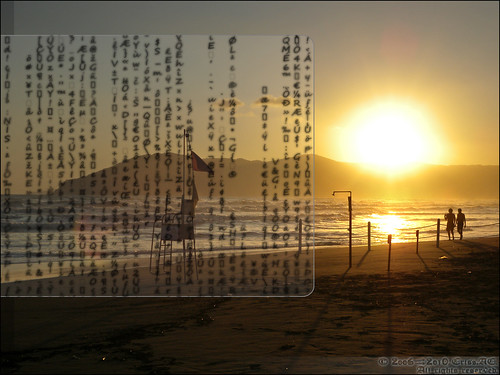
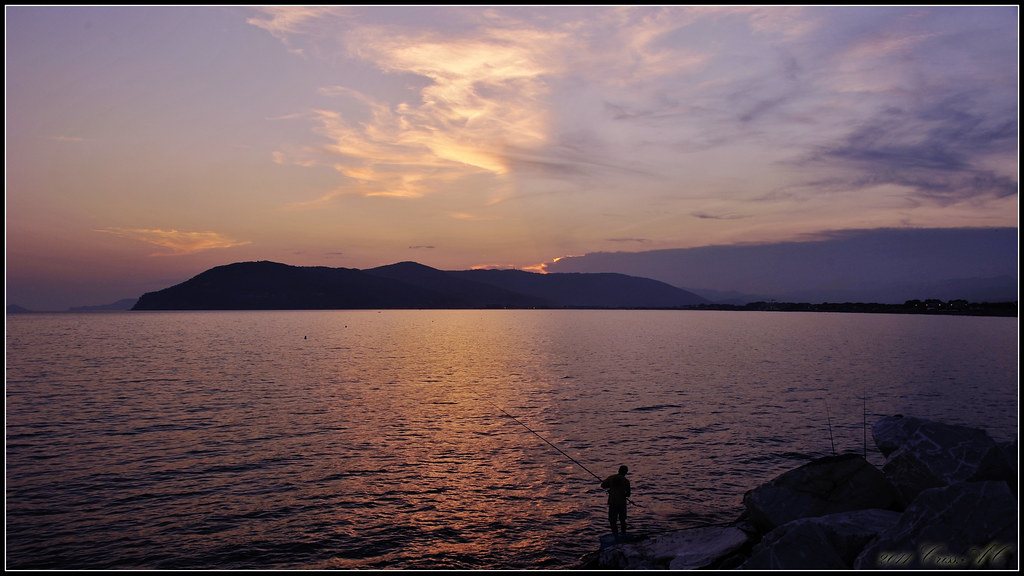
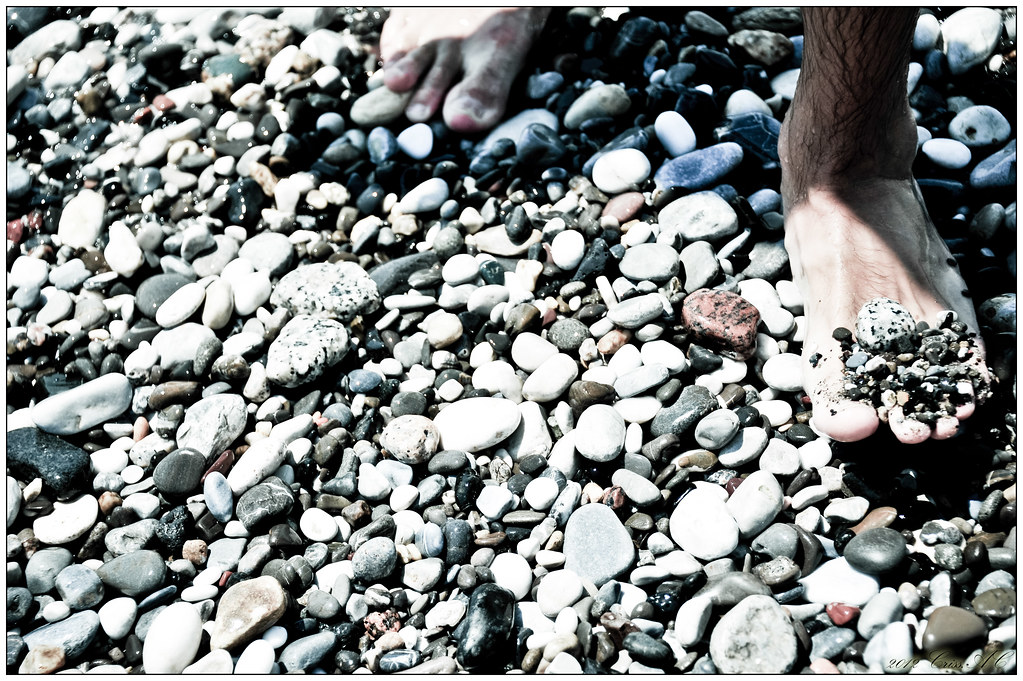
Part of the “I FEEL” series, this picture was taken while visiting my parents in July 2009, right after a storm on the Italian beaches. I tried to capture a story, and it was yesterday to have seen it…


Copyright © 2014 Criss-AC.net. All rights reserved.
Copyright © 2014 Criss-AC.net. All rights reserved.
Copyright © 2014 Criss-AC.net. All rights reserved.
Copyright © 2013 Criss-AC.net. All rights reserved.
Copyright © 2012 Criss-AC.net. All rights reserved.
Copyright © 2012 Criss-AC.net. All rights reserved.
Copyright © 2011 Criss-AC.net. All rights reserved.
Copyright © 2011 Criss-AC.net. All rights reserved.
Copyright © 2011 Criss-AC.net. All rights reserved.
Copyright © 2010 Criss-AC.net. All rights reserved.
Part of the “I FEEL” series, this picture was taken while visiting my parents in July 2009, right after a storm on the Italian beaches. I tried to capture a story, and it was yesterday to have seen it…
Hi folks. I’ve been again playing with Adobe Photoshop CS4 and this time I used a cat model found online by a friend of mine who sent it to me. I’ve decided to use it as a base to start to create a larger picture. And… this is what I came with this time. Picture is clickable (will open in a new window), it will take you to my Flickr page, where I usually publish my pictures.

As usual, I work on the 1080p resolution, to match the size of my monitor (1920x1080). The version for download has no logo embedded, this is only used for display purposes. Please find the full size no-logo version here.
*Cat model created by Borisov Taisiya. Although it was a public, I believe he deserves the credits. Thank you for the inspiration!
Guess most of you folks out there know the guy? Once I used to be a big fan, in the days when I was a kid. Now I have made these wallpapers as a tribute to the old days… to Mario times. I have created them from scratch, using Adobe Photoshop CS4. I don’t claim to be a master of digital imaging, but I do think I’ve done a pretty nice job  . You can find the tutorial I’ve followed to create these images here, I wouldn’t have managed without it.
Both of these two wallpapers are 1080p, high-resolution widescreen images, 1920x1080. I will post a download link under each of them for the full-screen version. The downloaded version will be clear of my logo.
Here is the first of them, the dark-blue version. The picture is clickable, it will take you to my Flickr page, where I initially published this image.
 Download the 1920x1080 version here.
 Download the 1280x1024 version here.
And here is the second one, the orange version. Same here, picture is published on my Flickr page. When you click it it will take you there, without leaving this website.

And as I said, here is the download link.
Download the 1280x1024 version here.
Thanks for watching!
Street view, street view, who’s got street view? We’ve got street view!
I know that probably is not news anymore for somebody, but it is definitely for me. These guys from Google, they’re genuinely amazing. They’ve literally put Prague on the map… that’s right, Google MAP(s).
Now I can go wandering around the city from the comfort of my 24” killer screen :D, and save the real thing for the summer days. As it has a tendency of turning quite coooold (brrrrr) from mid October up until end April – mid May. The weather under the influence of Siberian cold fronts.
Showing you a screen dump from Google Maps (with their new street view) of the area where I live now:

…or click here to grab the 1198x786 version. Quite a beautiful area, I’d say? But now, all that beautiful green, the crisp colors of summer, are long gone. They have been replaced by other more darker tints, by autumn. It is grey, rainy and cloudy. It gets me depressed, the memories of summer and the cold (blame Siberia ) reality outside.
This is where I work! A modern building in the heart of Prague, also street view:

You can grab the 1198x786 version here.
This is just a follow up of my last post, in which I was considering getting a license for Norton Internet Security 2010 from eBay instead of purchasing it from Symantec. At that time (2 days ago I guess) I wrote on Tom’s Hardware forum, asking whether or not a license purchased from eBay is legit or not. People advised me to not purchase it from eBay as it could be automatically generated with a keygen, or stolen, or whatever, and it will get blacklisted by Symantec as soon as I’d try to update.
Well, the reason I am writing now is that I actually won the auction on eBay for it and bought it for $16,99, while on Symantec.com is $79,99… and I could not withdraw my bid, as if I was to follow the advices from the thread on Tom’s Hardware. The seller emailed me the license minutes after the auction was closed and I used it to activate NIS 2010 at once. It worked. To my surprise, it worked. It is a license for 3 users, for 2 years. Gave one to my brother, gave one to my girlfriend, and will keep one to use on my own computer. See pictures below, which will show the subscription period and also the screenshot from my Norton account, which did not blacklist this license.
Click to grab the 1280x1024 version.

Here’s the link to grab the 1280x1024 version.
So apparently, everything went fine, but I still do not understand one thing: why it is on eBay that cheap while on Symantec is 4x more expensive.

 !! From my “long” digital photographer experience, I just created my first panoramic photo! Do not expect to find an actual panorama… why I call it so it is because I have successfully managed to stitch two pictures together… and the result came out quite nice. (Or at least… this is what I like to think.) I will show you how it started, how I went through, how I got to the final result. But first, let me tell you its story:
I was walking with my girlfriend and two of her friends (a very nice couple) that came to visit us from Russia on Charles Bridge (Karluv Most – as they call it in Czech) across Vltava, in Prague Czech Rep. Well, it is an old bridge and at each 10 meters there is at least one statue, made of either bronze, either rock. There is the saying that if you rub your hand against one of the bronze statue and you make a wish, that wish will turn reality.
So as we were passing through, Julia decided to make a wish so she placed her hand on the statue. Her boyfriend Pash was right behind her, and he thought he could go on and make a…  …a wish
  . A big wish I’d say! So I took the shot, and unfortunately I was not quick enough to take a one shot only. I needed two: one for Julia’s wish, second for Pasha’s. After one year… more than a year, I found out that you can put together two pictures, and to create a picture from two “halves”. The software I used is Adobe Photoshop CS4 Extended. Enjoy the “tutorial”:
I shall start by showing you the initial pics I took, untouched, exactly the same way I shot them (now they are resized for publishing purposes):
This is the first one, with Julia making the wish. I have also published them on my Flickr page, so you can click on them and you’ll see them in large size:

Second is Pasha, making his “wish” now:

So I have used Photoshop to stitch them together, in an attempt to create a “panoramic” photo. First I had to load them both in Photoshop, then from the File menu –> Automate –> Photomerge… and this is the result I got:

As you observe, the top right corner is stretched all the way up (which is normal in the original picture). The black areas need either to be cropped (which will not make a good picture after all – try to see it in your mind if black was cropped) or… either be constructed. I decided to do a little of both.
First thing to do was to use the amazing Vanishing Point from the Filter menu to get rid of the distorted top-right corner. After playing a bit with Vanishing Point, the picture looked like this:

So far so good. The corner does not look distorted anymore, so I can say now that I can move on to the next step: constructing the areas under black or cropping them.
I will start with the black area in the bottom-right corner. As you notice, there is pattern that can be easily copied and multiplied. You can create ground, cracks, corners, using the existing background. The tool I’ve used is called Clone stamp tool, and you can access it from the toolbar in the Essentials display mode, or simpler, by pressing S on your keyboard. After I’ve reconstructed that corner, the picture looked like this:

The corner is now built totally. I have used nothing but pattern already existing in the picture itself. And the great Clone stamp tool, of course.
Now only one step remains: the black area at the top. For an easy to understand reason, I have decided to crop it (there are trees and bricks from the house, very hard to construct without creating a repeated pattern). So I will simply crop that. Doing so it will just save me some extra time + work, and besides, the pic will get a more widescreen aspect ratio.

We are here so far. Everything looks more or less OK. Now it is time to work a bit on the enhancing. I’ve decided to go for a B&W treatment, and to add a nice 12 pixel black frame, each side bordered by a 2 pixel thin white border. This is the final result!
Hope you’ll find this tutorial helpful when creating your own panoramic photos. Photoshop will help you the same way it helped me. So… gotta end this…
… Please share your own work too, and if you’re a Flickr member, keep up with me on there!
Later edit: I have found a couple of tutorials/ applications, and I must add before you click on them, that they are for purchasing only. There are other free tutorials on the web, but these helped me the most.
Enjoy!


